
Gran Acuario de Mazatlán
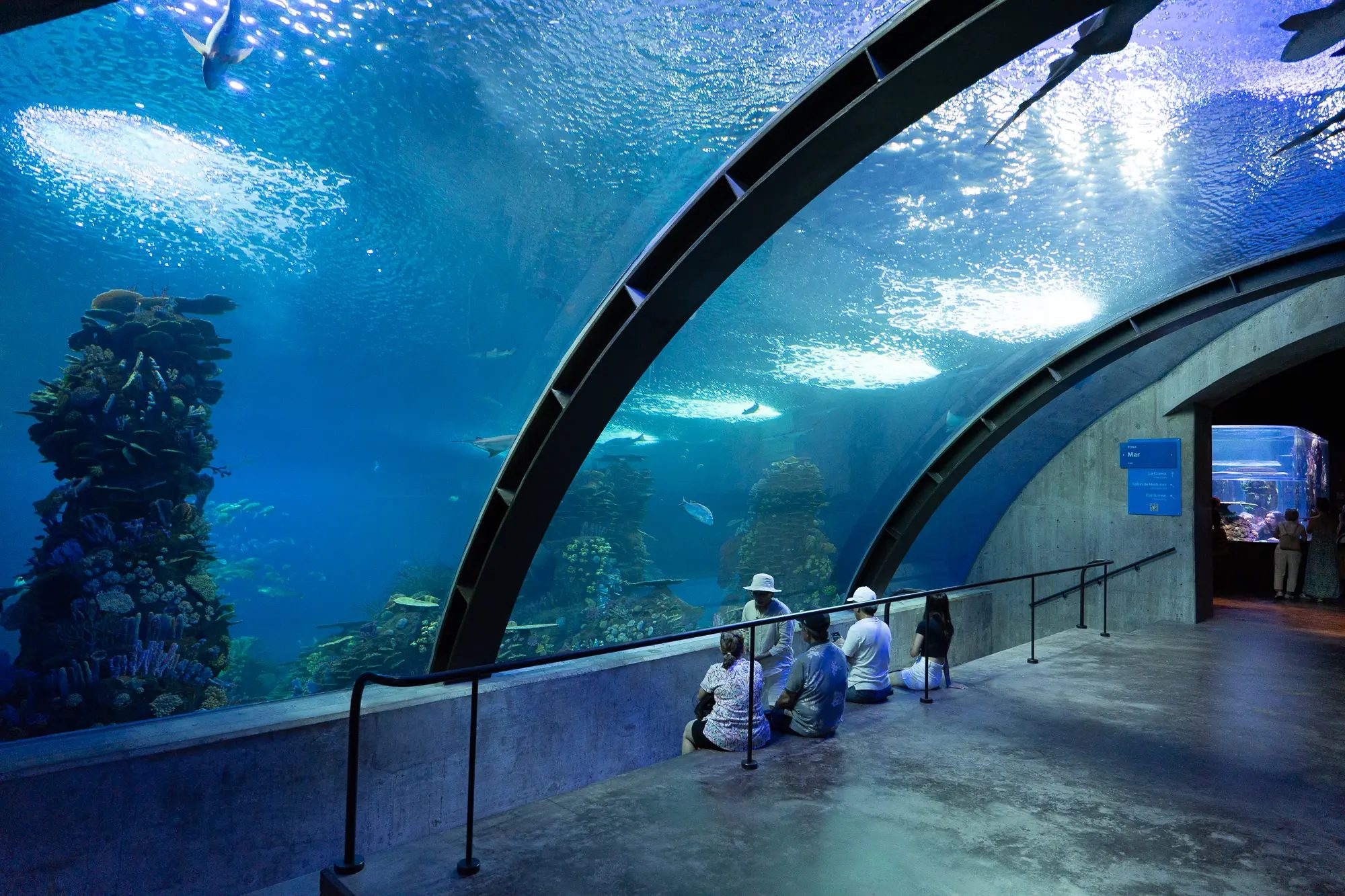
Automatic photo spots integrated into your Sea of Cortez experience.
Activate cameras during your visit with an NFC wristband and bring every photo together in a private digital gallery, ready to view and download.
Purchase your experience at a Photo Planet desk. Then use your code or QR to open your photos.
You do not need to take out your phone at every spot or install an app.
Choose your package at the Photo Planet desk and receive your personal code.
We write your gallery identifier to a compatible NFC wristband.
Hold the wristband near the reader, wait for the signal, and smile at the marked spot.
Go to “Here your memories begin” with the code or scan its QR.
Save one photo or the entire collection from your phone or computer.
The viewer is a separate experience dedicated to your memories. Enter your 12-character code or scan the QR to open it.
Open “Here your memories begin”Purchase, activate your wristband, and get support at participating desks.
Automatic photo spots integrated into your Sea of Cortez experience.
Memories of your visit with some of Mazatlán's most remarkable views.
Photos connected to your experience throughout the museum.
Answers about wristbands, codes, downloads, and photo recovery.
Select “Here your memories begin,” enter the 12-character alphanumeric code or scan the QR you received. Inside the gallery you can download one photo or prepare all of them as a ZIP file.
Your gallery remains available for five calendar days after purchase. Download and back up your files as soon as possible. When that period ends, Photo Planet attempts to email the photos to the registered address before removing them from active storage.
The wristband contains your visit identifier. Hold it near the reader at a Photo Planet spot, wait for confirmation, and stand on the marked area. The camera will associate the photo with your gallery.
No. During your visit you only need the NFC wristband at enabled photo spots. You will need an internet connection and a browser to view and download the gallery, but no app installation is required.
Yes. The gallery works on current phones, tablets, and computers. You can also scan the QR with your phone camera instead of typing the code.
This depends on your device and browser. They usually appear in Downloads or the Files app. On iPhone or iPad, check Files > Downloads; on Android, check Downloads or Files.
The introduction ends here. Your gallery begins at “Here your memories begin”.
View my photos